
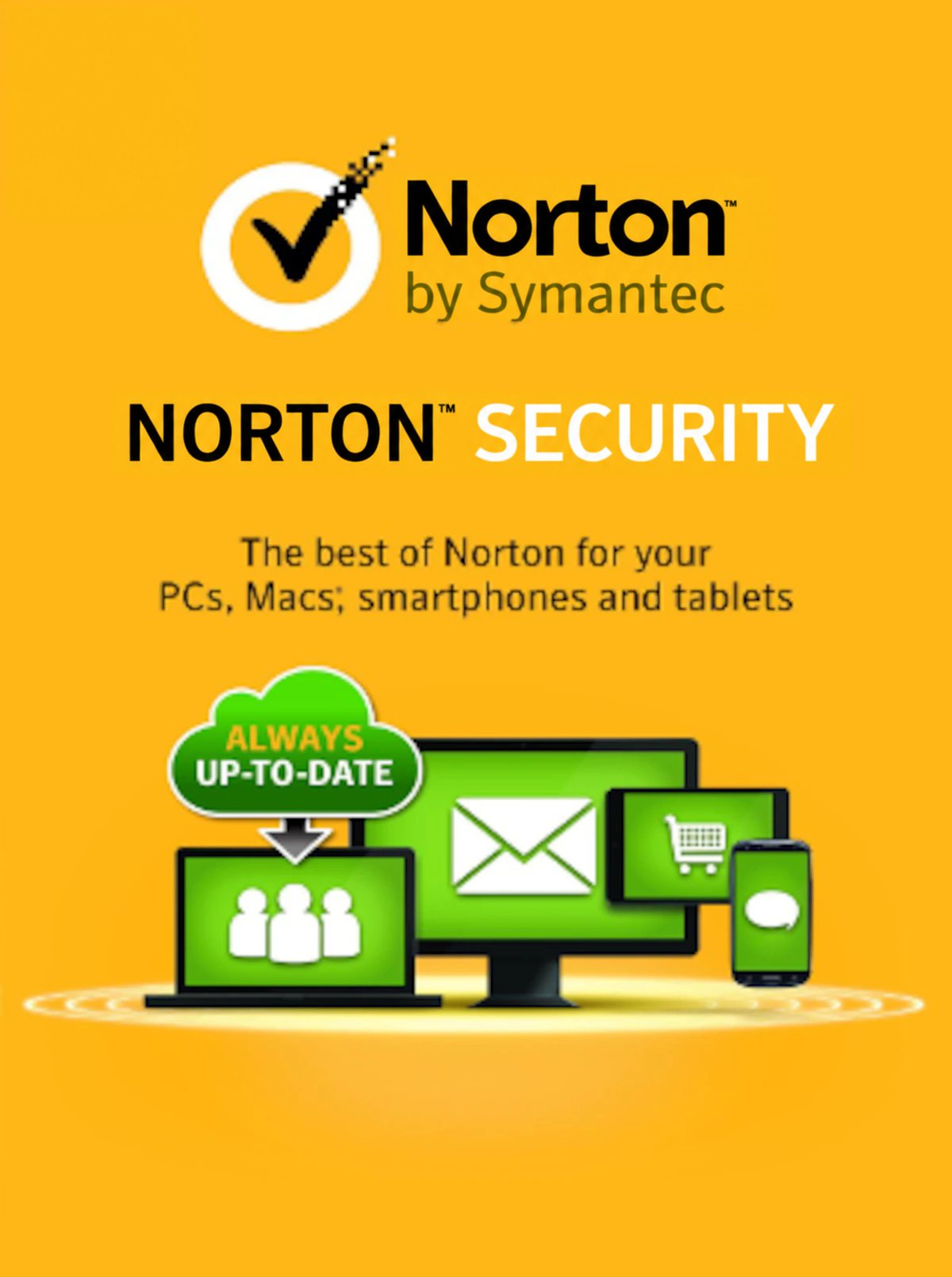
Norton Security Standard Key (1 Year / 3 Devices)
Clave digital original de Norton Security Standard Key (1 Year / 3 Devices) para Other (región GLOBAL). Entrega inmediata tras el pago, con factura legal y guía de activación en español.
- Plataforma
- Other
- Región
- REGION FREE
- SKU
- LCV-NSCPDFT2
Entrega inmediata
Pago seguro
Factura incluida
📖 Cómo se activa
Guía paso a paso en español más abajo — y siempre disponible junto a tu clave tras la compra.
Descripción
Norton Security Standard Key (1 Year / 3 Devices) protege tus dispositivos frente a virus, ransomware, phishing y amenazas de red con una licencia original de Symantec (Norton). Activa tu suscripción con la clave digital en cuestión de minutos.
Qué incluye tu compra
- Clave de activación digital 100% original para Other.
- Entrega automática en tu área de cliente en 1-5 minutos tras el pago.
- Guía de activación paso a paso en español.
- Factura legal de tu compra.
- Soporte por chat en español: si la clave no funciona, la reponemos o te devolvemos el dinero.
Datos de la licencia
- Región: REGION FREE — revisa que tu cuenta/país sea compatible.
- Plataforma: Other.
- Idiomas disponibles: English.
Más abajo tienes la guía completa de activación.
🔑 Cómo activar Norton Security Standard Key (1 Year / 3 Devices)
Activar tu antivirus
- Descarga el instalador SOLO desde la web oficial del fabricante (el fabricante).
- Instala el programa y ábrelo.
- Busca la opción Introducir código de activación (suele estar en el menú de licencia o cuenta).
- Pega tu clave y confirma: la suscripción se activa al instante.
⚠ Si tenías otra versión de prueba instalada, desinstálala antes para evitar conflictos.
Nota del proveedor (texto original)
In order to activate the product please follow instruction below: 1. Go to https://my.norton.com/home/setup. 2. If you are not signed in to Norton already, you will be prompted to sign in. Type in your email address and password for Norton, and click Sign In. 3. If you do not have an account, click Create account, and then complete the sign-up process. 4. In the Install on this device window, make sure the product name that is displayed is the one you want to install, click Agree & Download. 5. If you want to install a new product, not listed in the window, click Enter a Product Key, and then enter the product key or PIN to begin the download. 6. Do one of the following depending on your browser: - For Internet Explorer: Click Run. - For Firefox or Safari: On the top-right corner of the browser, click the Download option to view the downloaded files, and double-click the file that you downloaded. - For Chrome: On the bottom-left corner, double-click the file that you downloaded. - If the User Account Control window appears, click Continue. Follow the on-screen instructions. 7. Your Norton product is now installed and activated.
¿Algún problema durante la activación? Escríbenos por el chat de licovio.com: lo resolvemos o te devolvemos el dinero.
También te puede interesar
 Steam
REGION FREE
Hard Reset Extended Edition Steam CD Key
 Other
REGION FREE
Norton AntiVirus Basic Key (1 Year / 1 PC)
 Other
REGION FREE
ESET Internet Security Key (1 Year / 1 PC)
 Other
REGION FREE