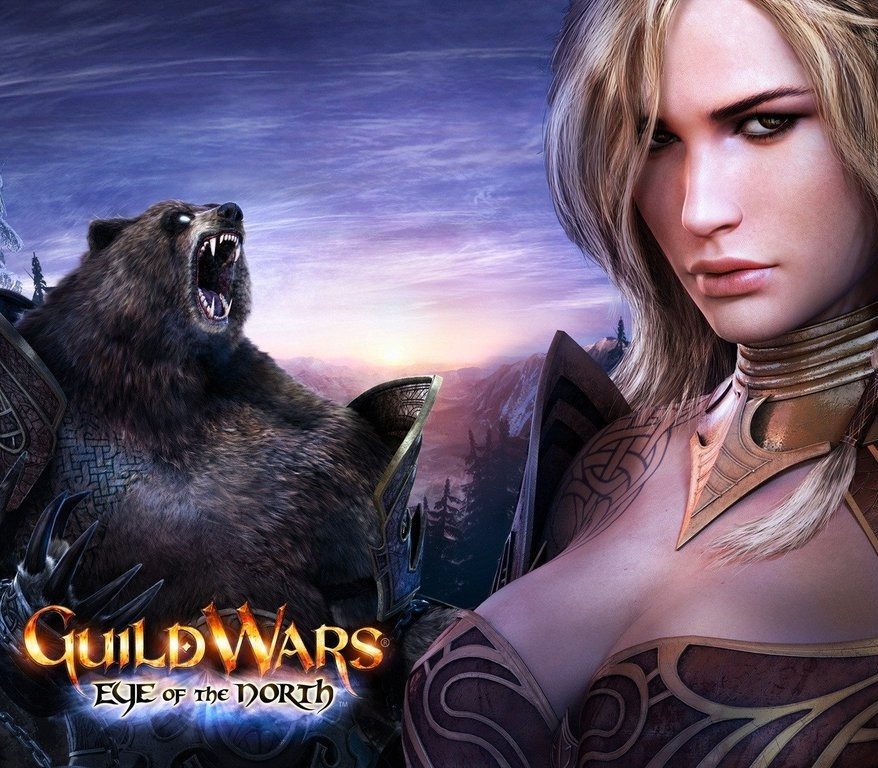
Guild Wars - Eye of The North Expansion DLC NA PC Digital Download CD Key
Clave digital original de Guild Wars - Eye of The North Expansion DLC NA PC Digital Download CD Key para NCSoft (región NORTH AMERICA). Entrega inmediata tras el pago, con factura legal y guía de activación en español.
- Plataforma
- NCSoft
- Región
- North America
- SKU
- LCV-BOGZQM0K
Entrega inmediata
Pago seguro
Factura incluida
📖 Cómo se activa
Guía paso a paso en español más abajo — y siempre disponible junto a tu clave tras la compra.
Descripción
Guild Wars - Eye of The North Expansion DLC NA PC Digital Download CD Key es un título de rol (RPG), MMO desarrollado por ArenaNet y editado por NCsoft (2007). Recibirás una clave original para NCSoft: canjéala en tu cuenta y descarga el juego al instante. Valorado con un 79/100 en Metacritic.
Qué incluye tu compra
- Clave de activación digital 100% original para NCSoft.
- Entrega automática en tu área de cliente en 1-5 minutos tras el pago.
- Guía de activación paso a paso en español.
- Factura legal de tu compra.
- Soporte por chat en español: si la clave no funciona, la reponemos o te devolvemos el dinero.
Datos de la licencia
- Región: North America — revisa que tu cuenta/país sea compatible.
- Plataforma: NCSoft.
- Idiomas disponibles: German, English, French, Spanish, Japanese, Polish.
- Género: rol (RPG), MMO.
Más abajo tienes la guía completa de activación.
🔑 Cómo activar Guild Wars - Eye of The North Expansion DLC NA PC Digital Download CD Key
Canjear tu clave
- Abre o instala la plataforma NCSoft e inicia sesión.
- Busca la opción Canjear código / Activar producto (normalmente en el menú de tu cuenta).
- Introduce tu clave tal y como aparece en tu pedido y confirma.
Nota del proveedor (texto original)
In order to activate your key please follow instruction below: http://cloudfront.guildwars2.com/client/GwSetup.exe. Run GwSetup.exe to install the Guild Wars client on your PC. At the log-in screen, click the "Create Account or Add Access Key" link. Enter your Access Key and follow the registration directions.
¿Algún problema durante la activación? Escríbenos por el chat de licovio.com: lo resolvemos o te devolvemos el dinero.
También te puede interesar

Anno 2070 Ubisoft Connect CD Key
Anno 2070 - Deep Ocean DLC Ubisoft Connect CD Key
 Steam
REST OF THE WORLD
Aliens Vs. Predator PC Steam CD Key
 Ubisoft
REGION FREE